Published 2022≈ 14 hours of video
Delphi Web Services with TMS XData
Build a reusable Delphi web service template — and then a full multi-tier application on top of it.
Master TMS XData step by step with a working example you can actually ship.
01 — About this course
What's inside
This course teaches you, step by step, how to create TMS XData web services in Delphi. It is structured into topic groups and lectures, totalling about 14 hours of video.
The first half builds a production-ready template you can reuse on every future XData project: configurable database connectivity, server parameters in a resource file, a modern UI with a tray icon, deployment as a Windows service, logging, and access control with JSON Web Tokens (JWT).
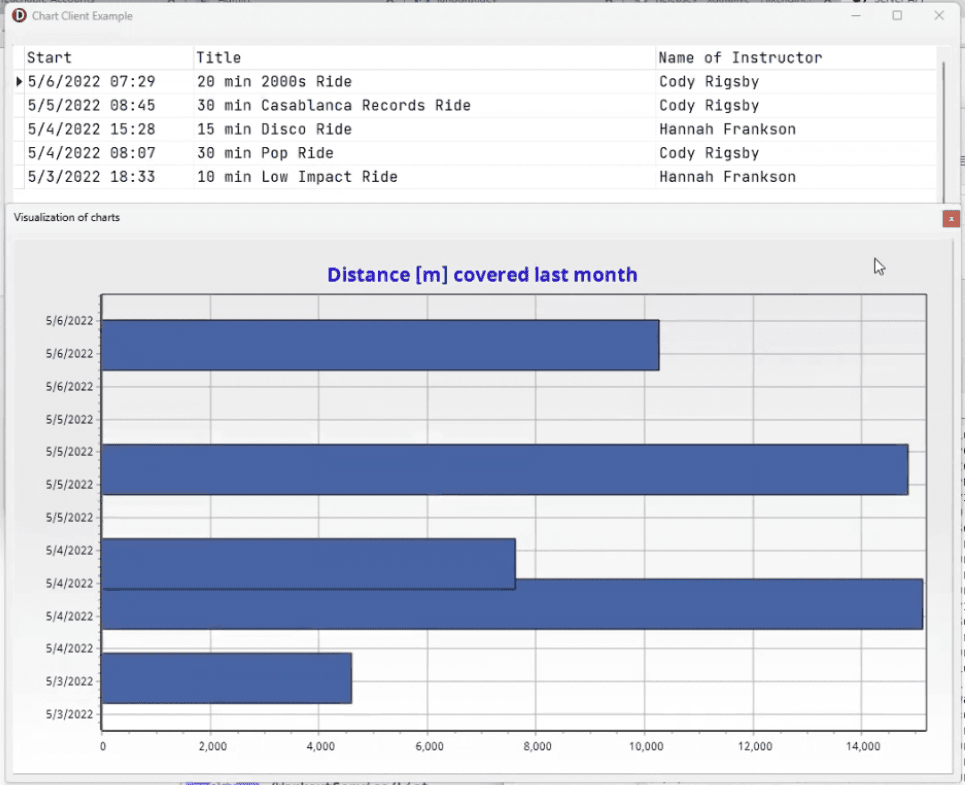
The second half puts that template to work. You'll design a database, connect it to the template, implement a real web service backend, and then build three clients — a VCL upload tool that imports CSV data, a VCL browser with a data grid and chart, and a TMS WEB Core web client. Every client implements JWT login.
02 — Highlights
What you'll walk away with
- Configurable database connectivity via FireDAC, with connection pooling for multi-threaded servers
- Server parameters loaded from a resource file
- Modern UI with tray-icon integration
- One project that compiles as a VCL desktop app or a Windows service
- Logging to Windows Event Log, the UI, and a CSV log file
- Access control with JSON Web Tokens (JWT) on every endpoint
- Three clients (two VCL, one TMS WEB Core) — all using JWT login
03 — What students say
Feedback from the community
This course is a true masterpiece — the topics covered, the technical implementation, and the explanations have met my needs exactly.
Der Kurs ist [...] ein wahres Meisterwerk – die behandelten Themen, die technische Umsetzung und die Erklärungen im Kurs haben genau meinen Bedarf getroffen.
04 — Curriculum
How the course is organized
Introduction
Detailed introduction to the course. Some videos are free to watch before purchase so you can confirm the course is the right fit. We'll motivate the course with real-world web service examples, then prepare the development environment and learn the TMS project wizards.
Create a new TMS XData project
Jump right into building a web service with Delphi. Create a new server and its project structure, get a glimpse of version control, and locate the course source code. We close with a detailed look at the components of an XData server and how to set up Windows to host one.
Updating the server container
The server container is the core part of an XData server. We discuss it in detail and introduce the Singleton pattern to make it easily accessible from anywhere in the server application.
Adding services to the server
Services add functionality to your XData server, and you can register as many as your design calls for. You'll implement your first service and its endpoints with lots of examples — how data is returned and formatted, how you describe responses, and how to browse your server with SwaggerUI.
Adding database connectivity
Connect a FireDAC database to the XData project and expose flexible connection parameters via a config file. We cover multi-threaded FireDAC usage with FDManager and connection pooling in detail.
Interlude I
A summary of everything covered so far, plus tests of a few of the things that have been implemented. Breathe.
Resource files & UI design
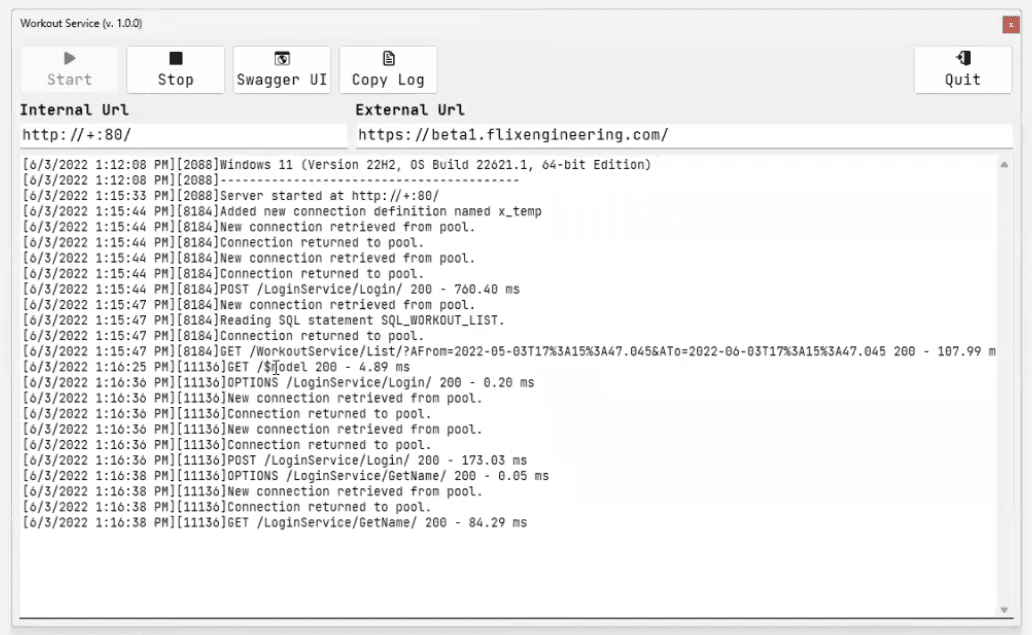
Build the core of your server template: configuration stored in resource files, and a UI updated to make it easily accessible for administrators.
Running as a Windows service
Migrate the XData project to a hybrid template that compiles either as a VCL desktop application or a Windows service — making deployment to server machines comfortable.
Logging
Log requests and errors with both TMS BCL Logging and the output handlers from TMS Logging. The template uses TMS Logging to write to the Windows Event Log, the UI, and a CSV log file simultaneously.
Access Control with JWT
Add JSON Web Token-based access control to the template so every web service operation can be protected and only reachable by authorized users.
Interlude II
Another review of the course content before moving on to the example scenario.
The example scenario
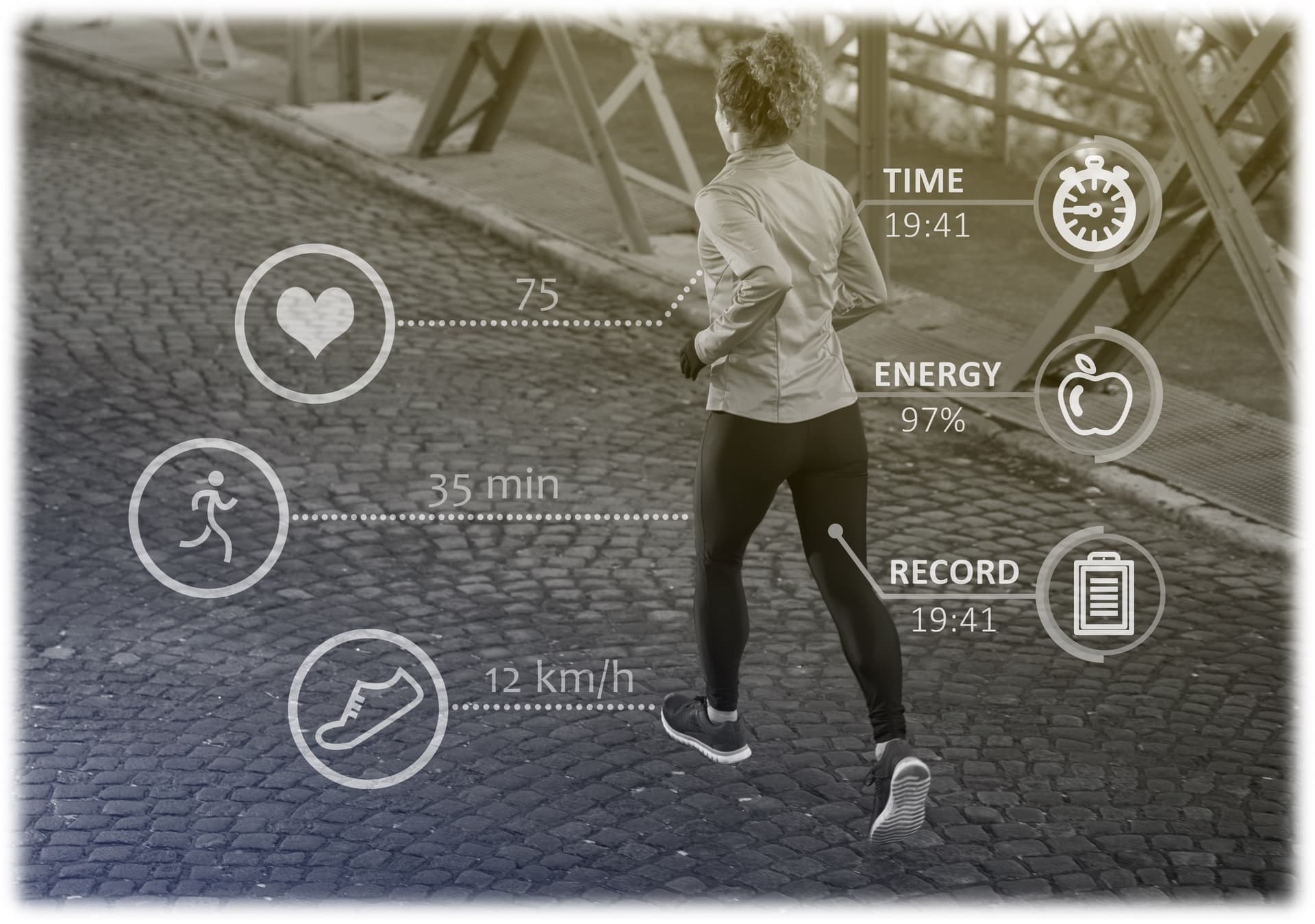
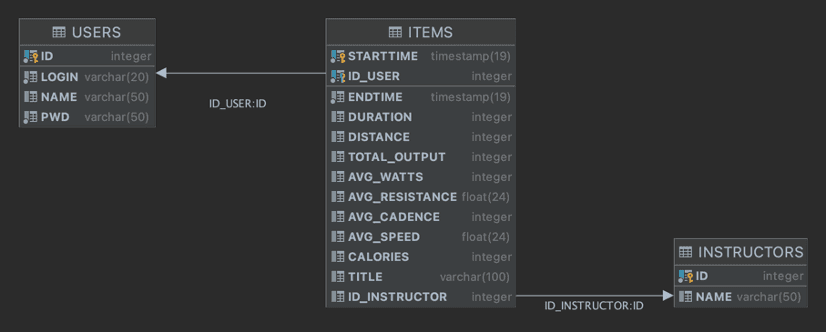
Every remaining section builds a real example step by step on top of the template. The scenario stores workout health data in a Firebird database, exposed via a web service. You'll implement a real, working multi-tier application using everything learned so far — and more.
05 — From the course
What you'll build
Hosted on Landgraf.dev
Ready to dive in?
Buy once, watch forever. Full source code included with every purchase.
You'll be redirected to courses.landgraf.dev
06 — See also