Published 2022≈ 5 hours of video, 4 main sections + extras
Multi-Tier Example for Customer Contact Forms
Real-world building blocks — go beyond the theory and ship a complete multi-tier feature.
Theory is wonderful. Practice makes us better software developers.
01 — About this course
What's inside
It's great to have learned a new framework, component, or version of Delphi. But what good is that knowledge if you can't put it to use in your own projects?
Welcome to a video course series that teaches by real use case. "Real-world Building Blocks" focuses on topics you'll need sooner or later in your software projects — nicely paced tutorials around one specific task or scenario that becomes the foundation for functionality in your own application.
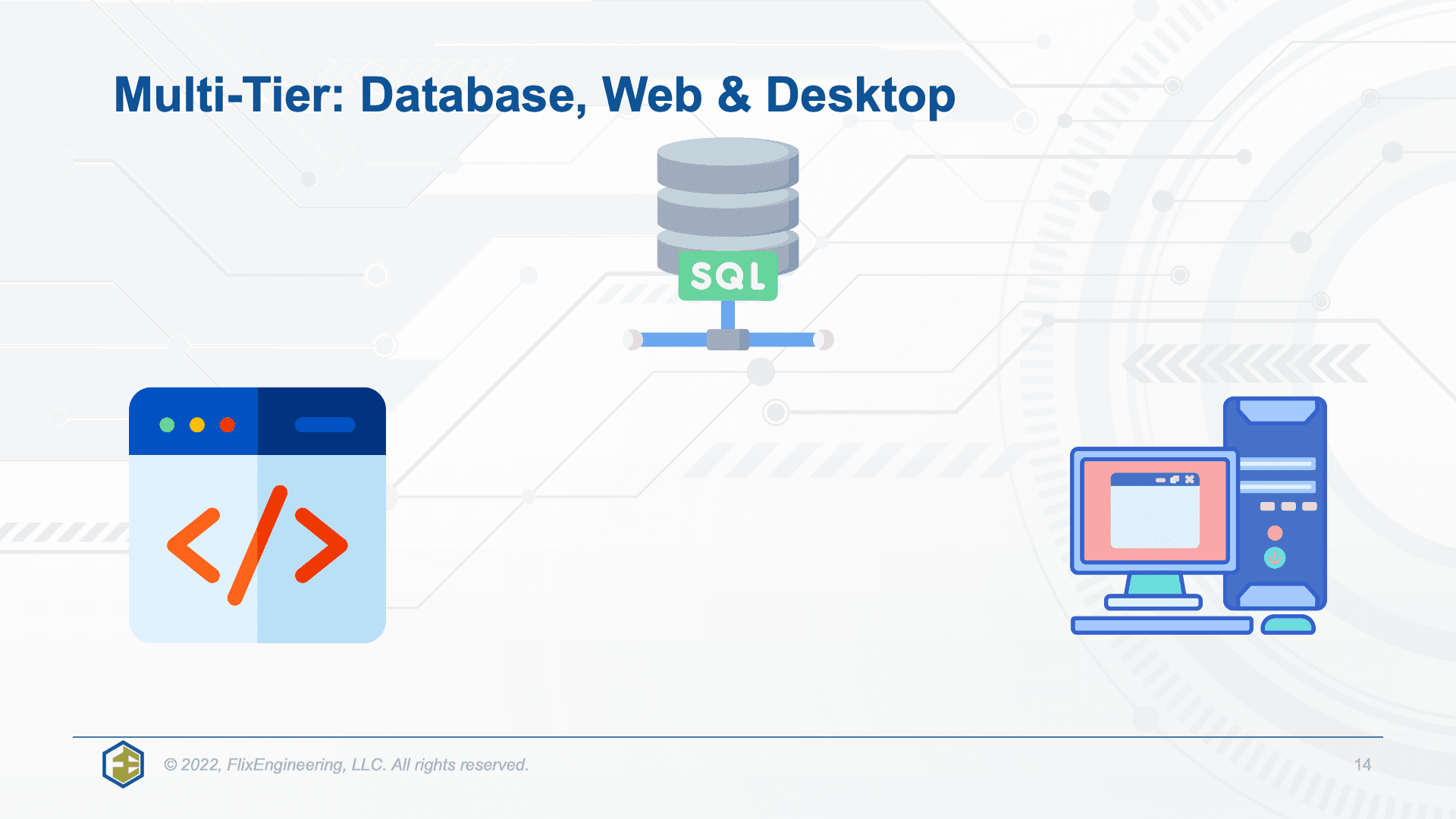
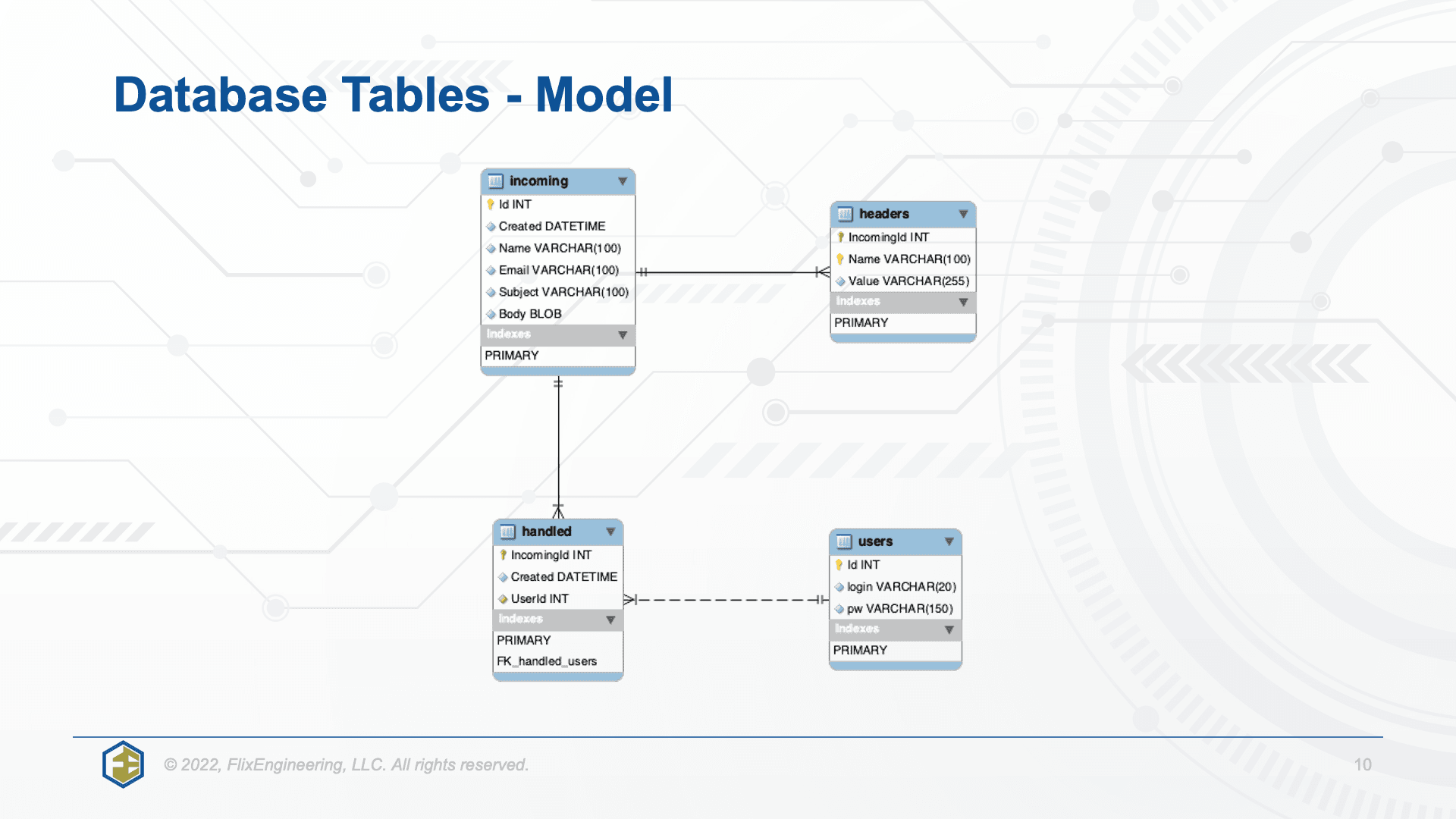
In this entry, you build a customer-facing contact / feedback form as a complete multi-tier solution: SQL database, web service API, responsive web application, and a VCL desktop management tool. Source code is provided in full.
02 — Highlights
What you'll walk away with
- Complete multi-tier architecture you can adapt to your own use cases
- MySQL database with a ready-to-go Docker Compose file
- Web service API built on TMS XData (the XData course template is used as a head start)
- Customer-facing web application built with TMS WEB Core — iterates from naive to fully responsive Bootstrap UI
- Admin VCL desktop application for triaging requests, replying via email, and archiving
- Bonus: build a design-time wrapper component around TXDataClient
- All source code provided — including every intermediate step of the web application
03 — Curriculum
How the course is organized
Scenario & use case
A detailed description of the scenario and a tour of the different parts of the software project before any code is written.
Building the back end (Web Service API)
Build the data model and the web service API in detail. The XData course template is reused as a foundation, saving time and getting things rolling fast.
Building the front end: Web Applications
Multiple iterations of the same feature. Start with a simple control-based form, then progressively rebuild it with responsive design and proper error messages. Every intermediate project ships with full source code.
Interlude: Building a design-time component
TXDataClient is only available in code. Build a wrapper component you can drop on the form instead — a great inside look at how to package existing classes as Delphi components.
Building the front end: Windows Desktop Application (VCL)
Develop a VCL desktop application that connects to the same web services as the web app. The desktop client takes the administrative role, so the web services are extended with more complex SQL queries and user-specific data storage — closing the multi-tier circle.
04 — From the course
What you'll build

05 — Before you start
Requirements
- Recent Delphi version recommended; all source code is tested with Delphi 11.
- Basic knowledge of TMS WEB Core and TMS XData. These products are not introduced in this course — Landgraf.dev hosts dedicated video courses for both.
- TMS VCL UI controls are used but can be substituted; the key concepts are control-agnostic.
- If you add this course to your cart, an offer to purchase the XData course at a deep discount becomes available.
06 — Source code
Yours to keep and adapt
Source code is provided both as a download and as a private GitHub repository. After purchase, contact me by email to be added to the GitHub repository. The code is free to use and modify for course owners. Access details live in the lesson "Contacting Holger & Downloading Source Code" — minimize the video player to reveal the download button.
Hosted on Landgraf.dev
Ready to dive in?
Buy once, watch forever. Full source code included with every purchase.
You'll be redirected to courses.landgraf.dev